
🕒 Reading Time: 14 Mins | ✍️ Reviewed By: FinanceInfoIn Editorial Team
The Silent Drain on Your Checking Account
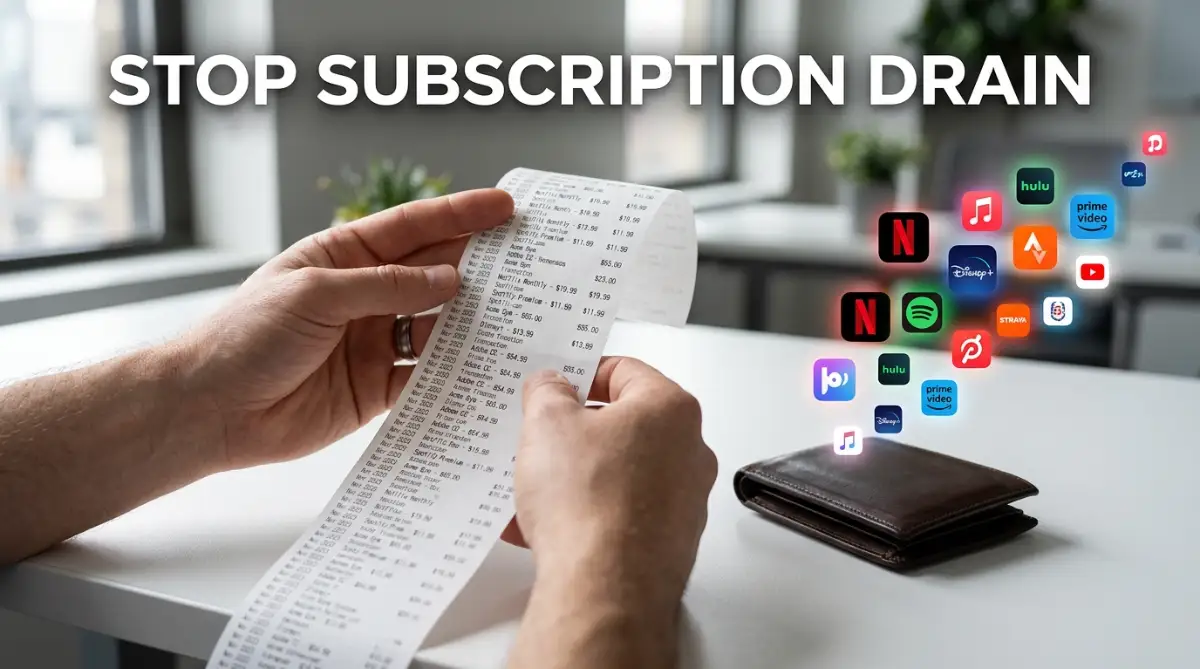
I woke up on a quiet Sunday morning, grabbed a cup of coffee, and reached for my phone to check my banking app. Expecting to see a comfortable weekend balance, my stomach dropped—my checking account had been drained by over eighty dollars overnight. Right there on my transaction feed were three consecutive automated renewals: a premium music service I barely opened, a digital business magazine I hadn’t read in months, and a forgotten cloud storage upgrade. That sinking feeling of watching hard-earned money vanish silently in the dark is a frustrating reality millions of people wake up to every single day.
This exact situation happens to hardworking people every single day. We sign up for a service thinking it is just a few dollars, completely underestimating the financial danger of recurring billing. Over time, these tiny charges act like a slow leak in a bucket, draining our hard-earned money while we sleep.
The mental weight of managing all these different accounts can completely ruin your peace of mind. You start second-guessing your everyday purchases because you never truly know what your real bank balance is. It feels like your own money is slipping right through your fingers.
Companies intentionally design these systems to be extremely easy to join and incredibly confusing to leave. They rely entirely on your busy schedule and natural forgetfulness to keep collecting their fees. We blindly accept the terms and conditions, hoping we will remember to cancel, but life always gets in the way.
The Hidden Cost of Small Apps: Mark's Story
To truly understand how fast these numbers grow, we need to look at the real math behind the problem. Meet Mark, a regular guy who thought he kept a pretty close eye on his finances. If you asked Mark how much he spent on digital services, he would confidently say about thirty dollars a month.
However, Mark decided to sit down and list absolutely everything attached to his debit card. He found a streaming service for $15, a music app for $11, a forgotten meal delivery membership for $10, extra cloud storage for $3, and an unused meditation app for $12. Suddenly, his small thirty-dollar estimate ballooned into an actual cost of $51 every single month.
While $51 might not sound terrifying on its own, the yearly calculation is deeply shocking. Mark was secretly losing $612 every single year on services he barely touched. Imagine what a person could do with an extra $600 in their pocket—it could fund a weekend vacation, build an emergency fund, or simply buy a lot of extra groceries.
Navigating the Maze: Pausing vs. Canceling
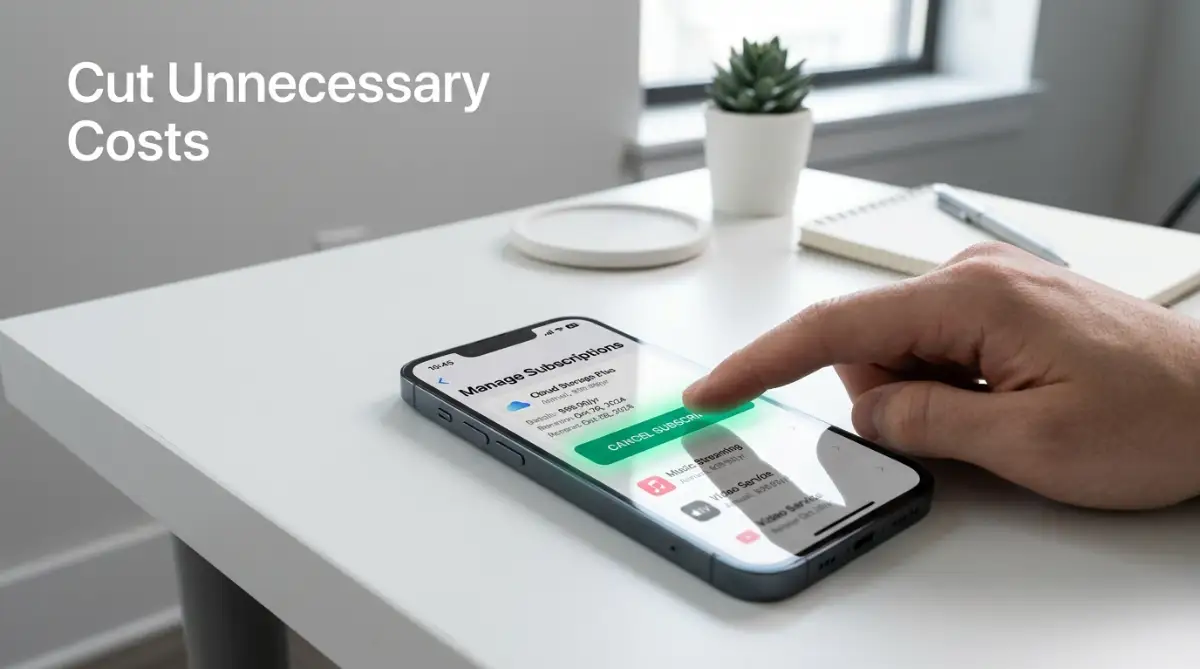
When you finally decide to cut the cord on an app, companies will often offer you a highly tempting alternative. They will ask if you want to simply "pause" your account instead of completely deleting it. This is a brilliant psychological trick designed to keep you inside their billing ecosystem.
People often confuse these two actions, assuming a pause means they are completely safe from future charges. This misunderstanding leads to nasty financial surprises a few months down the road. Let us clear up exactly how these two options differ so you can make the safest choice for your wallet.
Conducting a Ruthless Bank Statement Audit
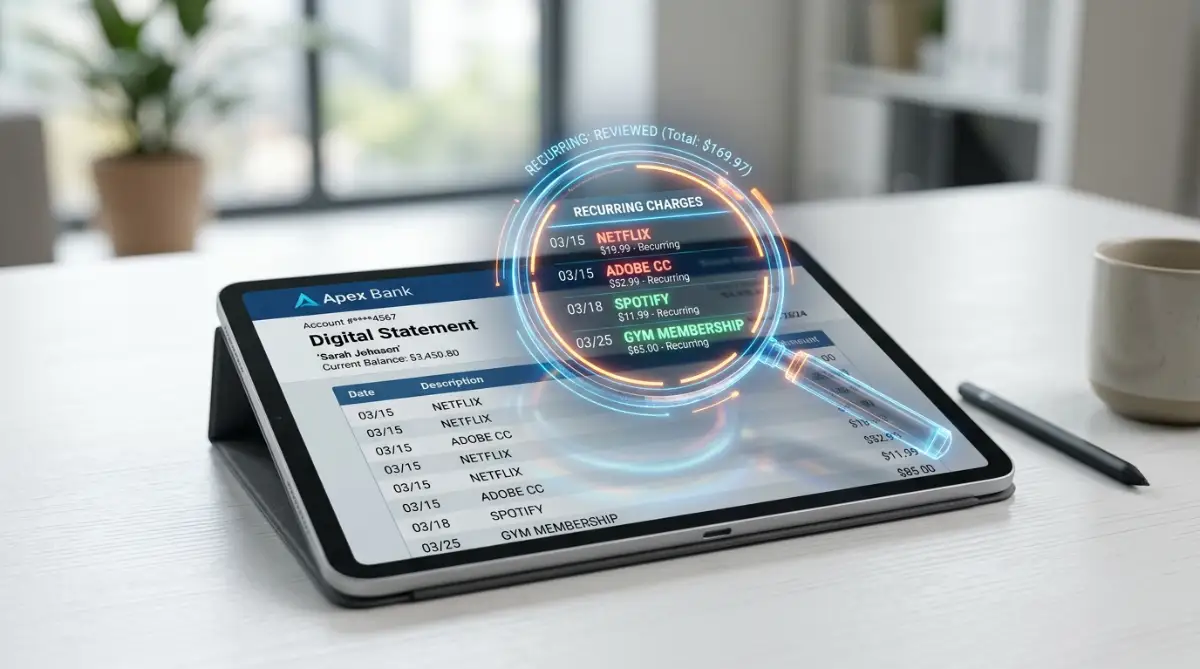
The most effective way to fight back against these invisible charges is to face the numbers directly. You cannot rely on your memory to track where your credit card information is stored. You have to become a financial detective inside your own checking account.
Expert Tip: Print out your last three months of bank and credit card statements on physical paper. Grab a bright red marker and physically circle every single recurring charge you find. Seeing the charges on paper makes the financial leak feel much more real than just scrolling on a glowing screen.
Start by looking for anything that repeats on the exact same day every month. Pay special attention to charges processed through third-party payment systems like PayPal or your smartphone's application store. These platforms often mask the actual name of the service, making it much harder to spot the useless apps.
I once paid for a specialized graphic design software for eight straight months after my project ended simply because I completely forgot about the automatic billing. I lost over $200 just because I did not check my credit card statement carefully enough.
If you are tired of watching your hard-earned money vanish, you need to watch this exact breakdown of how companies hide their fees.
Outsmarting the Free Trial Trap
We all love the idea of testing out a premium service for zero dollars. The internet is flooded with offers for thirty days of free movies, premium shipping, or advanced software features. However, these companies are not running charities; they are relying entirely on the "sunk cost fallacy" and your busy lifestyle.
When you hand over your credit card details for a free trial, you are setting a financial time bomb. You tell yourself you will definitely cancel before the trial ends, but then the deadline slips your mind. Suddenly, you are locked into a full-priced annual plan that you cannot easily refund.
To safely use free trials, you must implement strict digital boundaries immediately after signing up. The moment you create the account, go straight to the settings and hit the cancel button right then and there. Almost every major platform will still let you use the remaining free days even after you have officially canceled the future renewal.
Honest Pros & Cons: Subscription Management Apps
Many people turn to automated budgeting apps to help them find and cancel these hidden fees. These third-party tools link directly to your bank account and scan for recurring charges automatically. While they sound like the perfect magic fix, they come with their own set of serious trade-offs.
If you are considering handing your banking data over to a tracking app, you need to weigh your options. Here is a totally transparent look at the benefits and drawbacks of using software to manage your spending.
- The Pros:
- Instantly identifies recurring charges you completely forgot about.
- Saves you hours of manual auditing and reading through complex bank statements.
- Some premium versions will physically call the company to cancel the service for you.
- The Cons:
- You have to give a third-party company deep access to your private bank data.
- Many of these helpful tools actually charge you their own monthly fee to use them.
- They sometimes misidentify regular bills (like utilities) as unwanted subscriptions.
Identifying Where the Charges Hide
One of the biggest struggles is actually figuring out who is charging your card. Modern billing systems are incredibly messy and often use confusing abbreviations on your bank statement. You might see a charge from a parent company and have no idea what service it actually relates to.
You have to check multiple different platforms to find all your active memberships. Sometimes the charge comes directly from a website, but often it goes through a middleman.
If you follow these auditing steps carefully, you will immediately start plugging the holes in your financial bucket. Finding even one unused $15 service puts $180 back into your pocket over the next year. It requires a bit of focused effort today, but the long-term financial relief is absolutely incredible.
Advanced Tactics to Keep Your Hard-Earned Money Inside Your Pocket
Taking control of your cash flow requires more than just canceling a single streaming app. You need a systematic approach to ensure your bank balance stops shrinking from hidden recurring billing agreements. Let us look at some highly advanced, professional strategies to build a permanent shield around your checking account.
One of the most effective ways to manage your money is by renegotiating your current rates. Many service providers have hidden customer retention departments that are authorized to cut your monthly bill in half just to keep you. If you learn how to negotiate with credit card companies to lower your interest rate, you can easily apply those same conversation skills to your internet, phone, and subscription providers.
Another smart move is adjusting your payment schedules so they align perfectly with your paycheck cycles. This small administrative change makes it much easier to track your real cash flow without facing unexpected overdraft fees.
Pro Tip: Always use a secondary prepaid card or a temporary virtual debit card for any recurring online payment. This prevents companies from automatically charging your primary bank account when a trial period ends unexpectedly.
Let us look at some of the most common myths that keep people trapped in high-cost monthly cycles. Here is what you need to know to protect your wallet.
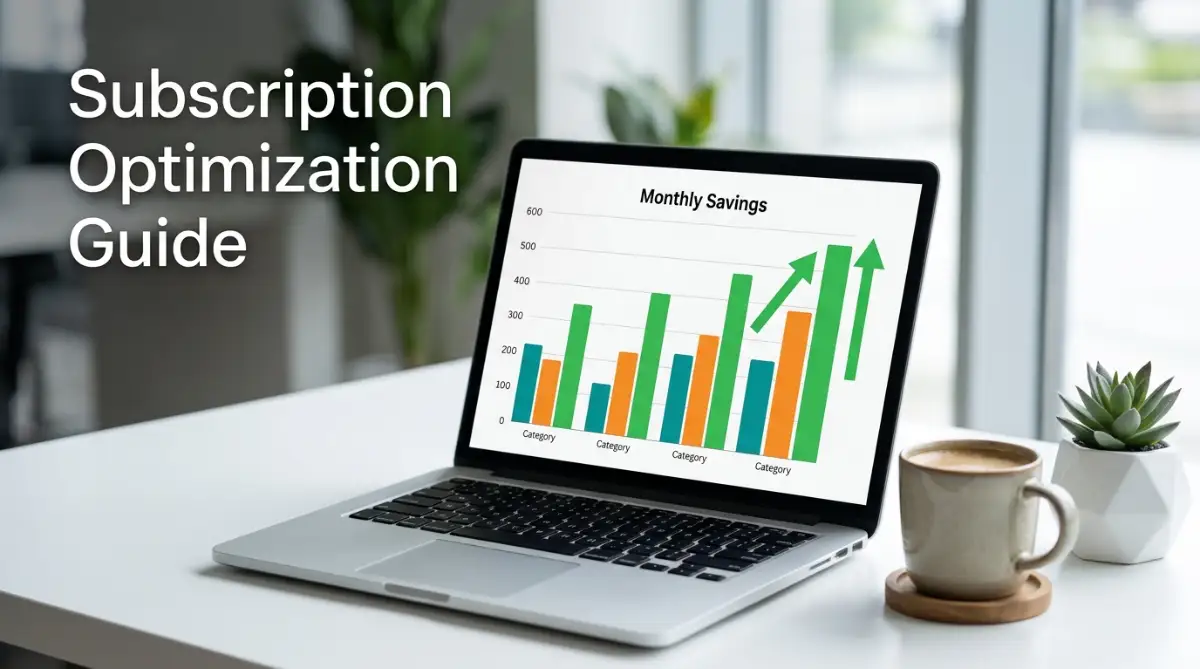
By separating your active memberships into distinct categories, you can easily see where your cash leaks are happening. This simple tracking method makes it easy to create a personal budget when living paycheck to paycheck without feeling like you are depriving yourself.
Here is a clear look at how shifting from monthly billing to annual plans can either help or hurt your financial balance.

Sneaky Billing Traps That Keep Draining Your Wallet
Many of us fall into psychological traps designed by clever marketing departments to keep our credit cards on file. These companies know that once a charge becomes automatic, you are highly unlikely to go through the trouble of canceling it. They intentionally make the signup process take two seconds, while hiding the cancellation button behind ten pages of trick questions.
Another major hazard is the lazy habit of sharing accounts with friends or family members without tracking who pays for what. Eventually, someone changes their card, and you end up quietly paying the bill for a service you do not even use. This slow leak can quietly destroy your efforts to build an emergency fund when your income is small.
Common Mistakes People Make Daily:
- Keeping an app active just because you hope to use it "someday" in the future.
- Ignoring small $1 or $2 cloud upgrades that quietly add up across multiple family accounts.
- Allowing services to auto-renew on credit cards that you do not check on a weekly basis.
- Forgetting to read the email notifications that warn you about upcoming rate increases.
- Using your primary email address for free trials, which clutters your inbox and hides renewal warning letters.
These mistakes might seem minor, but they represent a massive breach in your personal financial security. Over time, these small financial leaks can accumulate into a mountain of unnecessary debt.
Let us compare the financial impact of active subscription management against leaving your accounts on autopilot.
Your Step-by-Step Subscription Cleanout Guide
You do not need to be a financial advisor to stop these automatic leaks from hurting your family budget. Below is an easy-to-follow plan that you can start using this afternoon to clean up your digital billing.
Step 1: Gather Your Statements
Collect your credit card and bank statements from the last ninety days to locate every single recurring charge.
Step 2: Classify Each Service
Label each subscription as either "Essential," "Nice to Have," or "Completely Unused."
Step 3: Delete the Ghosts
Immediately cancel any service in the "Completely Unused" category without hesitation.
Step 4: Negotiate or Downgrade
Contact the providers of your "Nice to Have" services and ask for a cheaper tier or a temporary discount.
Step 5: Switch to Virtual Cards
Move your remaining essential bills to secure virtual payment cards that have strict monthly spending limits.
By following this simple routine, you can easily free up cash to tackle other financial challenges, such as learning how to pay off student loans faster using the debt snowball method.
Here is a handy list of everything you need to have ready before you begin your cleanup process.
Required Preparation Checklist:
- Your primary online banking login details and password manager.
- A list of all active email addresses you use to sign up for trials.
- Your smartphone's app store subscription management screen.
- A physical notepad and pen to write down cancellation confirmation codes.
- The direct customer service phone numbers for your gym and internet providers.
Quick Action Checklist:
- Turn off auto-renew on all active streaming accounts.
- Check your PayPal account for hidden pre-authorized billing agreements.
- Call your phone carrier and ask for their lowest current promotion.
- Delete your payment information from online shopping sites to stop impulse signups.
- Set up a monthly calendar alert to review your credit card statements.
Regaining Your Financial Freedom and Peace of Mind
Taking back control of your hard-earned money is one of the most rewarding steps you can take on your personal finance path. You do not have to let subscription models dictate how you live your life or spend your hard-earned cash. By simply paying attention and setting firm boundaries with your credit cards, you can keep your money where it belongs—in your bank account.
I want you to take a close look at your bank statement today and find just one service to cancel. My personal experience has taught me that once you stop the first leak, the feeling of control is incredibly addictive. You will quickly find yourself saving hundreds of dollars that can go toward your real, long-term dreams.
Are you ready to audit your statements and see how much cash you can reclaim this week? Let me know in the comments below!
Frequently Asked Questions About Trimming Subscription Costs
How do I find subscriptions that do not show up on my bank statement?
Check your Apple App Store or Google Play account settings under the "Subscriptions" tab first. Many mobile apps are billed directly through your phone carrier or app store account rather than appearing as individual entries on your credit card statement.
Is it safe to use free apps that claim to cancel my subscriptions for me?
Many of these third-party apps require you to share your private online banking credentials, which can put your account security at risk. It is always much safer to read our guide on how to protect your personal bank account from online phishing scams and handle your cancellations manually.
Why do some companies make it so difficult to cancel their services?
This practice is called "dark patterns," and companies use it intentionally to make cancellation confusing and frustrating. They hope you will simply give up and keep paying the monthly fee rather than sitting on a long phone call.
Can a company legally charge me after I cancel my subscription?
No, once you receive a cancellation confirmation number or email, the company must stop billing your card. Always save these confirmation emails as physical proof in case you need to dispute a charge with your bank.
What should I do if a company refuses to cancel my account?
Contact your credit card issuer immediately and request a "merchant block" on that specific company. You can also file a formal complaint with consumer protection groups like the Consumer Financial Protection Bureau.
Will canceling a subscription hurt my credit score?
No, normal utility, streaming, or software subscriptions do not report to credit bureaus and will not impact your score. The only exception is a gym membership or contract service that goes to a collection agency if you simply stop paying without canceling properly.
How do virtual credit cards protect my bank account?
Virtual cards allow you to set a maximum charge limit or make the card expire after a single use. If a company tries to charge your card for an automatic renewal, the transaction will simply decline without affecting your main account.
Should I pay for an app to help me manage my household budget?
You do not need to pay for a budget app when a simple, free spreadsheet can do the exact same job. Keeping your tracking simple helps you focus on cutting expenses rather than adding a new billing cycle to your list.
What is the easiest way to share subscription costs with family?
Many major platforms offer official family plans that allow you to split the cost across multiple users legally. Always use these official sharing features to avoid security risks and keep your personal login details private.
How often should I run an audit on my bank accounts?
You should review your accounts at least once every thirty days to catch any unauthorized charges or creeping subscription costs. Regular reviews are the single best defense against online financial scams.
Trusted Legal and Consumer Resources
-
-
Federal Trade Commission (FTC) – 'Click to Cancel' Rule: Official federal regulations requiring companies to make canceling subscriptions as easy and accessible as signing up.
-