Reading Time: 15 Minutes
Difficulty Level: Beginner to Intermediate
Reviewed By: FinanceInfoIn Editorial Team
The Bottom Line
Many homeowners buy solar systems expecting endless free power and total protection from blackouts. However, standard grid-tied solar automatically shuts down when the neighborhood loses power to protect utility workers. Adding a home battery gives you true energy independence and protects you from rising evening electricity rates. We break down the real math to see if the extra investment actually makes sense for your home.
What You Need to Know Before Buying
-
Grid-tied solar panels will not power your home during a blackout without a backup battery.
-
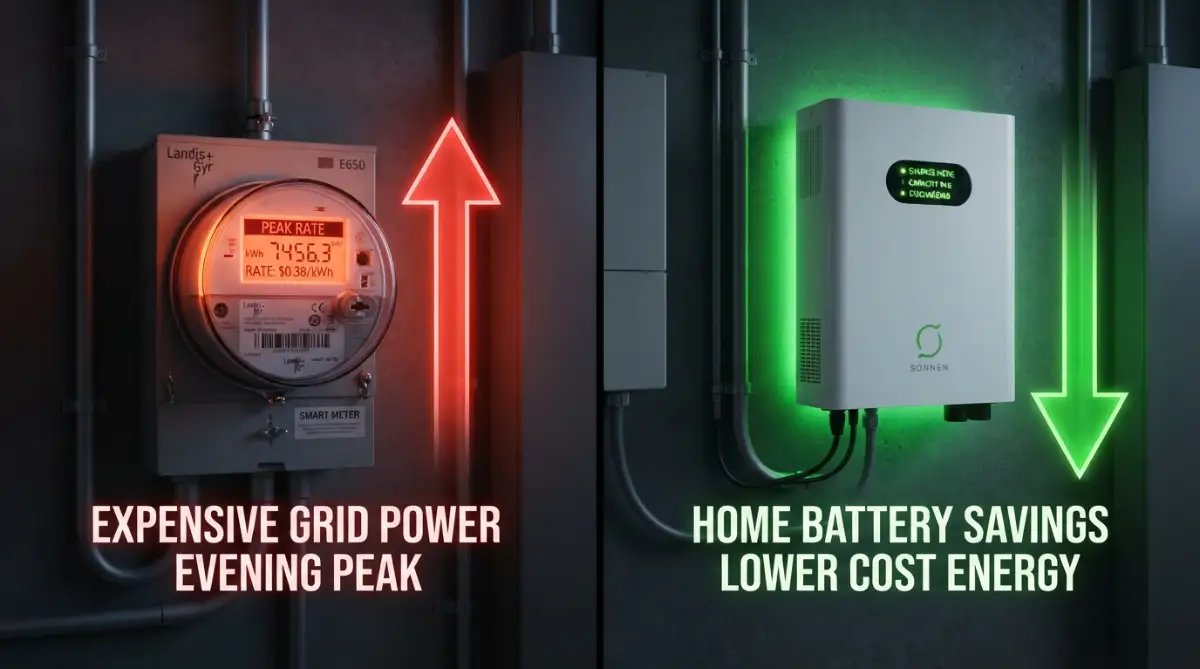
A battery allows you to store free daytime sunshine to use during expensive evening peak hours.
-
If your utility company offers excellent 1-to-1 net metering, a battery might be a luxury rather than a necessity.
-
Understanding your exact evening power usage is the most important step before buying a battery system.
Solar Panels vs. Solar Plus Battery: Do You Really Need Both?
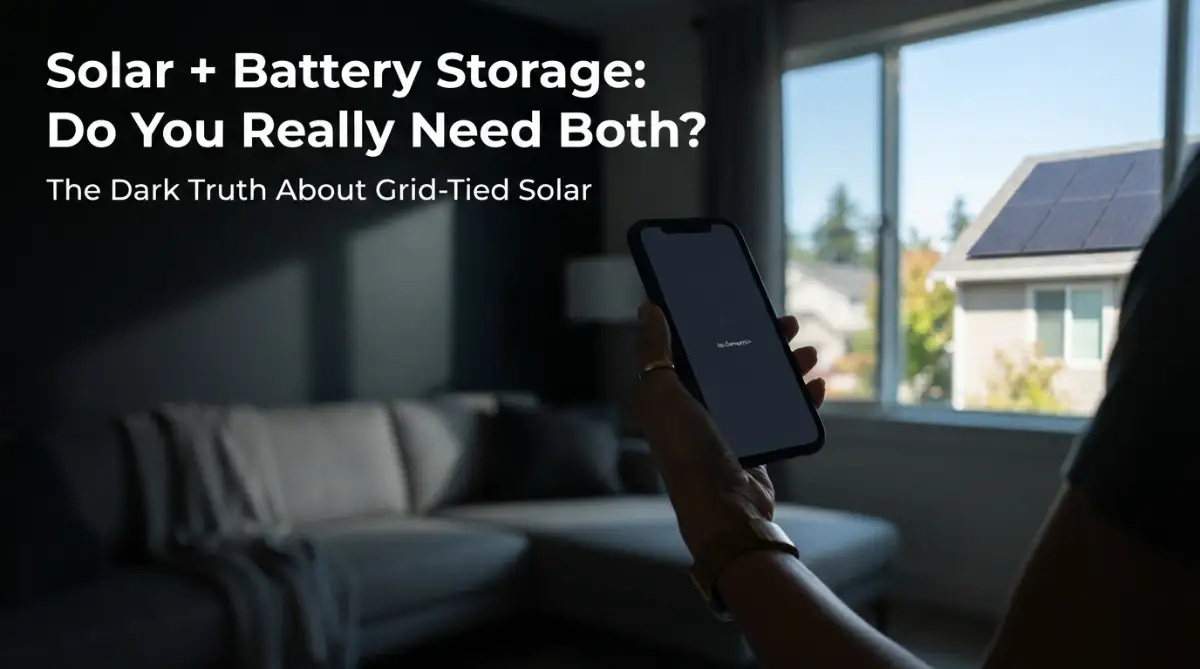
The neighborhood goes dark at 7 p.m. You walk out and look at your roof. Twenty-odd panels, all sitting in daylight, and your inverter screen says nothing. The fridge hums for another minute and then stops.
If that's happened to you, or you're trying to avoid it, you're probably wondering what the point of solar is if it can't keep the lights on.
The answer is a design rule most installers mention once, quickly, during the sales pitch. Let me slow it down.
Why your panels shut off when the grid does
A standard grid-tied system is wired to work together with the utility network. When the grid fails, your inverter is required to shut down within seconds. The industry calls this anti-islanding protection. If your panels kept pushing power into dead lines, a lineman repairing a pole down the road could get electrocuted by your roof.
So the shutdown is a legitimate safety rule, and it's not a bug. It also means a solar system without a battery gives you no backup power at all.
The bucket with a hole in it
Picture a bucket with a hole near the bottom. The sun fills it during the day. Whatever your house uses in the moment comes out through the hole, and everything else spills into the utility's reservoir next door. At night the bucket is empty, and you buy water back from that same utility, often at a higher price.
That last part is Time-of-Use (TOU) billing. Your panels make the most power around noon, when you're at work and the house is nearly idle. Your usage peaks between 5 and 9 p.m., which is also when the utility charges the most. You sell cheap and buy expensive.
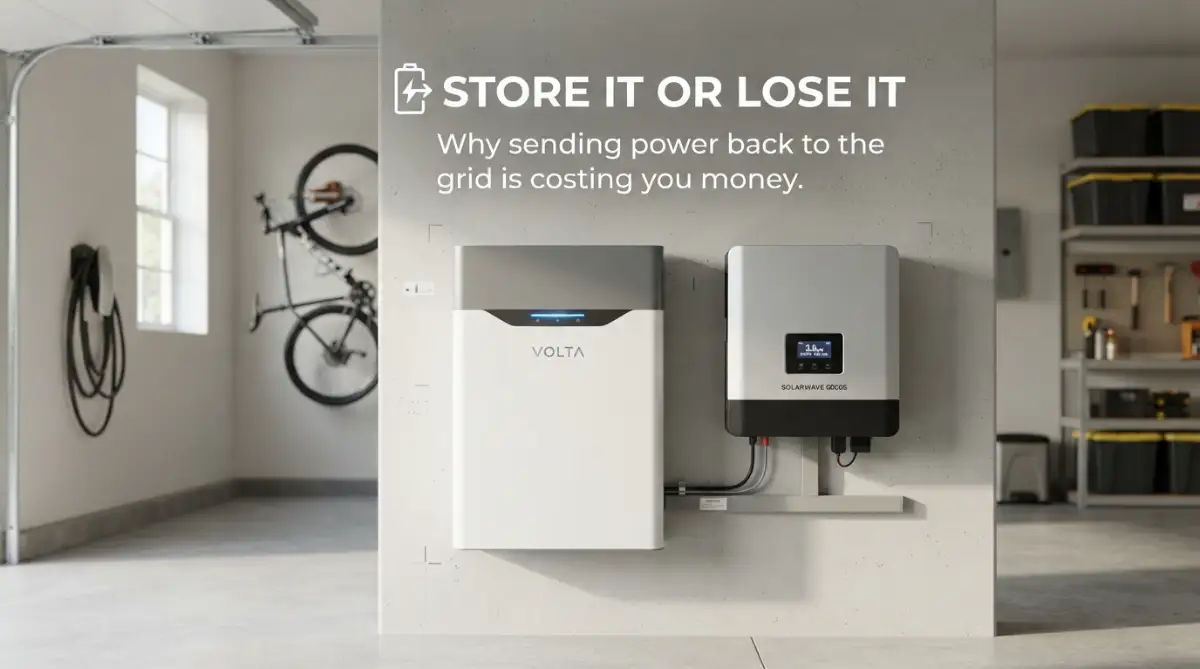
A battery plugs the hole. Instead of spilling into the reservoir, the extra water stays in your bucket until you need it.
Net metering is not the same as owning a battery
A lot of people say "the grid is my battery." Sometimes that's true, depending on where you live. But it's a different arrangement from owning storage:
With net metering, you hold a credit balance on a spreadsheet the utility controls. With a battery, you hold physical energy. Only one of those keeps your fridge running when a storm knocks out the lines.
What the numbers look like: David's house
These figures are illustrative, but they're close to what many suburban households see under TOU billing.
David has a 6 kW system and no battery. He's at the office all day, so the house barely draws anything. On a typical sunny day the panels produce 30 kWh and 25 kWh of it goes to the grid at $0.05 per kWh. That's $1.25 in credit.
At 6 p.m. he gets home and turns on the AC, the oven, and the TV. The utility is now charging $0.30 per kWh. He uses 15 kWh over the evening, which is $4.50.
Daily result: he earned $1.25 and spent $4.50, so he's down $3.25 even though his roof made more energy than the house consumed.
Now give David a 13.5 kWh battery. It charges from the midday surplus. In the evening it covers about 13 of his 15 kWh. He still buys roughly 2 kWh from the grid, which costs $0.60. The 11.5 kWh that didn't fit in the battery still gets exported for about $0.58.
Daily result: roughly break-even. That's an improvement of a bit over $3 per day, or around $1,150 a year.
Notice what that math also tells you. A battery in the $10,000 to $15,000 range paying back about $1,150 a year is a payback of eight to thirteen years. That's decent if your rates are as lopsided as David's and the battery lasts. It's a poor deal if your evening rates are flat and the grid rarely fails. Run the numbers with your own bill before you decide.
The technique has a name: peak shaving, or shifting your consumption away from the expensive hours.
The honest pros and cons
What you get
- Lights, fridge, and Wi-Fi stay on when the street goes dark, with no noise and no fuel to store.
- You stop paying peak-hour prices for most of your evening usage.
- Less exposure to rate hikes and export-credit cuts.
- No generator maintenance, no gas runs before a storm.
What it costs you
- Price. Adding storage typically pushes a project up by $10,000 to $15,000.
- A single unit won't run a whole house for days, and it isn't meant to.
- Batteries lose capacity over time. Most warranties promise something like 70% of original capacity after ten years, so plan for that.
- You lose roughly 10% of the energy that goes in, because charging and discharging aren't perfectly efficient.
- Payback is slower than for panels alone.
- Not every battery setup gives you backup power. Some are installed only for bill savings, and you'd need the right gateway and wiring to get outage protection. If backup matters to you, confirm it in writing.

What can a battery actually run?
People often assume one battery means the whole house runs as normal through a five-day blizzard. It doesn't.
Two numbers matter, and installers sometimes blur them together:
- Capacity (kWh) is how much energy is stored. Think of it as the size of the tank. Most home batteries hold around 10 to 13.5 kWh of usable energy.
- Power (kW) is how much the battery can deliver at one moment. Think of it as the width of the pipe. Some units top out at 5 kW, others push over 10 kW.
You can have a full tank and still trip the system if you turn on too much at once. Motors, like air conditioners and well pumps, also draw two to three times their running power for a second or two at startup.
A rough example. A fridge, a few lights, a router, phone chargers, and a couple of fans might average 400 to 500 W. A 13 kWh battery covers that for about a day on its own. And since your panels keep producing in daylight during an outage (when the system is set up for backup), the battery recharges each morning. On a sunny stretch you can go quite a bit longer than the raw math suggests. On a gray week, less.
To make this work, ask your installer about a critical loads panel, sometimes called a backup subpanel. It moves your essential circuits onto the battery and leaves the energy hogs off. Whole-home backup is possible, but it usually means stacking several batteries, and the cost climbs quickly.
For most households, one battery is enough to save the groceries, keep the internet up, and light the house until morning.
The tip I wish I'd had earlier
I spent months hunting for the biggest battery I could find. I assumed the more capacity, the better the deal.
That was a mistake. Size the battery to your evening usage, not to your house.
When I finally pulled my hourly usage data, I found we hardly used any power after 9 p.m. All I needed was enough to cover 5 p.m. to bedtime. Buying a smaller system based on that saved me more than $4,000 on installation.
Your utility likely has this data on its website or app, often under "interval data" or "Green Button." Download it before you sign anything.