
🕒 Reading Time: 13 Mins | ✍️ Reviewed By: FinanceInfoIn Editorial Team
The Silent Wallet Drainer Nobody Warns You About
I was sitting in my car in a grocery store parking lot, staring at my phone.
A small altcoin I’d bought months earlier was finally moving. My portfolio app said I was holding $4,500. I had bills coming up, so I figured this was the moment to take profit. I opened my DEX app, tapped “Max,” tapped “Swap,” and didn’t look at a single setting. I just wanted out before the price turned.
The transaction confirmed a few seconds later. My stablecoin balance read $2,900.

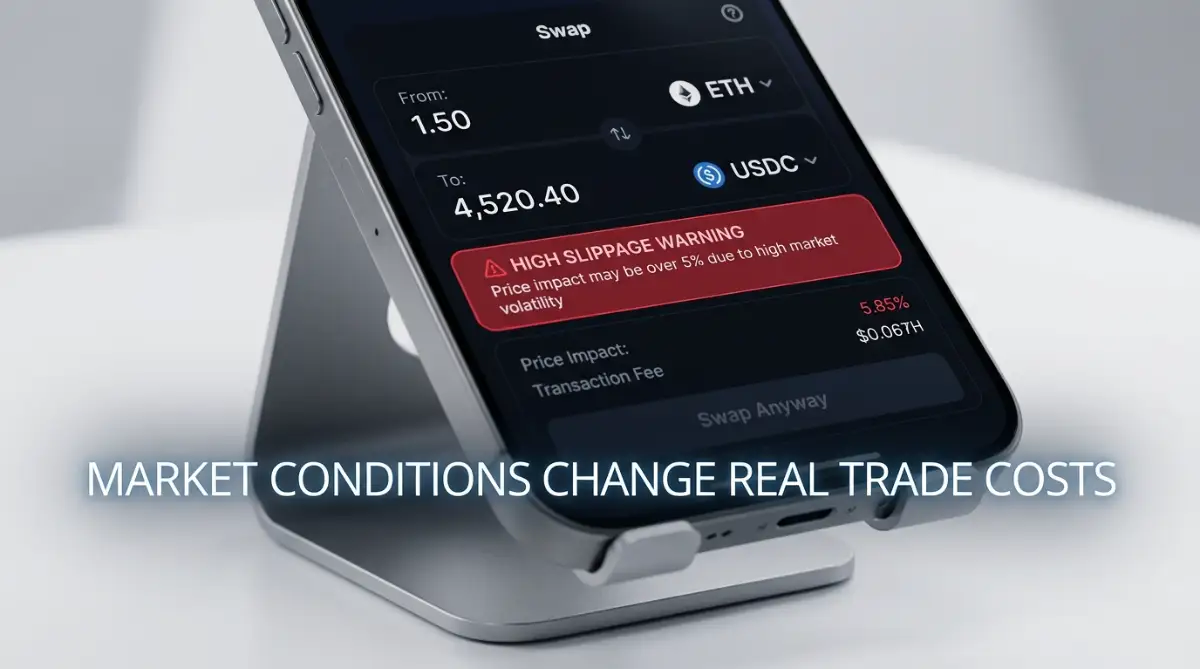
I refreshed the page three times. I assumed the app was glitching. It wasn’t. The swap had done exactly what I told it to do, and the pool simply didn’t have enough money in it to absorb my sale at the price I was staring at. I’d lost about $1,600 in under ten seconds, and nobody had stolen anything. It was just how the market worked.
The number on your screen is not the number you get. Plenty of people find that out the way I did.
What You’ll Learn Today
-
Why the displayed price isn’t a promise, and what actually decides your fill price
-
What liquidity is, and how order books and DEX pools handle it differently
-
Market vs. limit orders, and when each one makes sense
-
How to set slippage tolerance so you’re protected without your trades constantly failing
-
How sandwich bots work, and the practical ways to avoid them
What Liquidity Actually Means
Liquidity is how easily you can buy or sell something without moving its price.
Say you own a vintage guitar worth $10,000 on paper. If you need cash by Friday, you probably won’t find a buyer at $10,000. You might take $6,000 to close the deal fast. That’s an illiquid asset. A $100 bill is the opposite. Anyone will swap it for five $20s on the spot.
In crypto, liquidity comes down to how much buying and selling interest is sitting there for a given coin at a given moment.
One thing most guides skip: DEXs don’t work like exchanges
On a centralized exchange like Binance or Coinbase, your order meets an order book, a list of real people waiting to buy or sell at specific prices.
Most decentralized exchanges don’t have an order book. They use liquidity pools, which are pairs of tokens (say, a memecoin and USDC) locked in a smart contract. The price comes from the ratio of the two tokens in the pool. When you sell tokens into the pool, you add to one side and drain the other, and the price shifts against you. The bigger your trade is compared to the pool, the bigger the shift.
Here’s roughly what happened to me. Imagine a pool holding $8,000 of the token and $8,000 of stablecoin. I sold $4,500 worth of tokens into it. The formula these pools use (constant product) works out to about $2,880 back, which is almost exactly what I got. The pool was too small for my trade, and no setting was going to change that.
Slippage and Price Impact: Two Different Costs
People use these words interchangeably, but they aren’t the same thing.
-
Price impact is how much your own trade moves the price, because of your size relative to the pool or book. You can see it before you confirm.
-
Slippage is how much the price changes between the moment you click and the moment your trade actually executes, usually because other trades got there first or the market moved.
Your slippage tolerance is the cutoff you set. If the final price is worse than your limit, the transaction cancels instead of going through. It doesn’t protect you from price impact that you already agreed to by clicking confirm. My screen showed a warning about that, and I scrolled past it.
A worked example on an order book
David wants to sell 10,000 tokens of “CoinXYZ.” The screen shows $1.00 per token, so he’s expecting $10,000. He sends a market order, which means “sell now at whatever the best prices are.” The buyers waiting are:
-
Buyer 1: 2,000 tokens at $1.00
-
Buyer 2: 3,000 tokens at $0.90
-
Buyer 3: 5,000 tokens at $0.70
The exchange fills them in order. David gets $2,000, then $2,700, then $3,500. Total: $8,200. He expected $10,000, so he lost $1,800, or 18%. Nothing broke. That’s how the book was built.
If you’d rather watch this than read it, this short video walks through how a thin order book empties out.
Limit Orders vs. Market Orders
Many beginners treat these as the same button with a different label. They behave very differently.